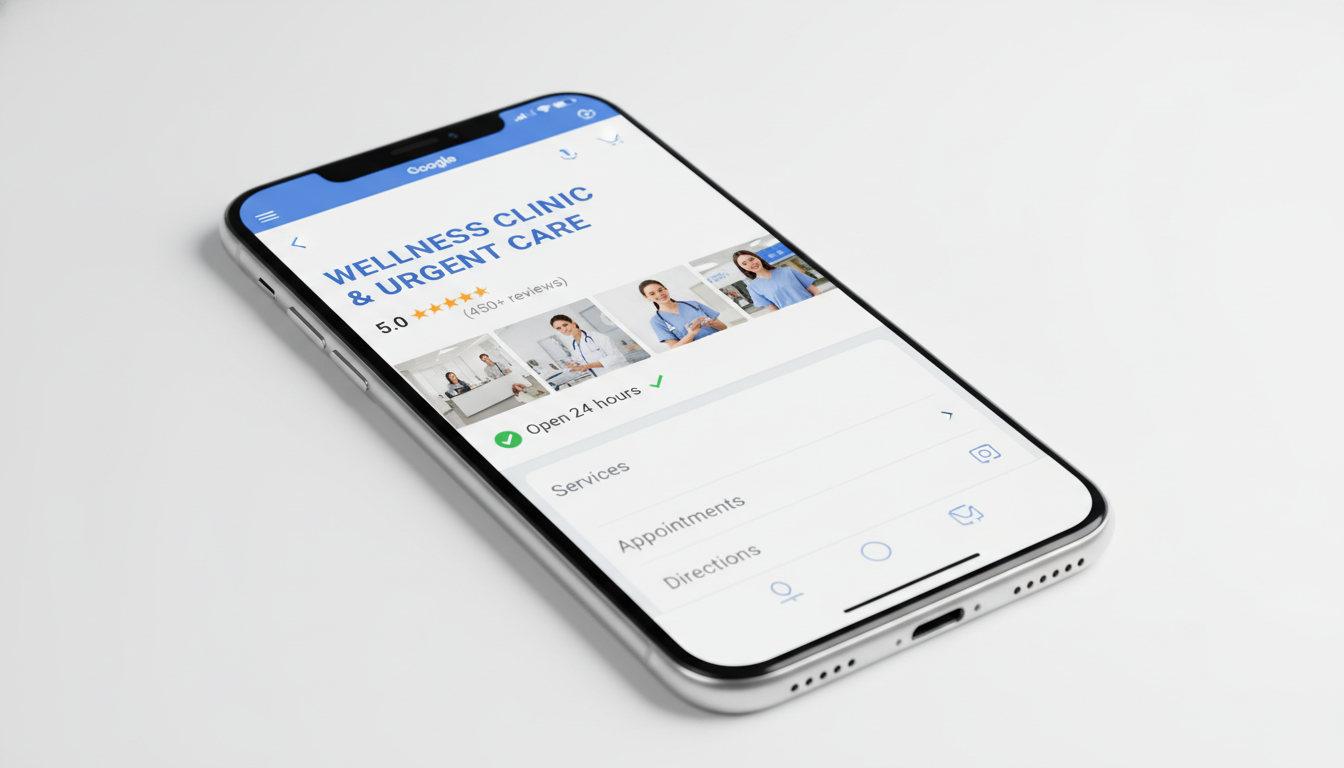
Your Google Business Profile is the most powerful free tool available for local search visibility. When someone searches for a service in your area, your GBP listing determines whether you appear in the coveted Local Pack, the map results that appear above traditional organic listings. Here is exactly how to optimize it for maximum impact in 2026.
Step 1: Claim and Verify Your Profile
Before you can optimize anything, you need to own your listing. Go to business.google.com and search for your business. If it already exists, claim it. If not, create a new listing. Google will verify your ownership through a postcard, phone call, email, or video verification depending on your business type.
Do not skip verification. Unverified profiles have severely limited visibility and functionality.
Step 2: Nail the Basics
Business name. Use your real business name exactly as it appears in the real world. Do not stuff keywords into your business name, as this violates Google’s guidelines and can result in suspension.
Address. Enter your complete, accurate address. If you are a service-area business that goes to customers rather than receiving them, you can hide your address and set service areas instead.
Phone number. Use a local phone number rather than a toll-free number when possible. Local numbers reinforce geographic relevance.
Website. Link to your main website. If you have location-specific pages, link to the relevant one.
Hours. Keep your hours accurate and up to date, including holiday hours. Businesses with inaccurate hours lose trust quickly.
Step 3: Choose the Right Categories
Your primary category is one of the strongest ranking factors for Local Pack placement. Choose the most specific category that accurately describes your core business. A plumber should select “Plumber” not “Home Service Company.”
Add secondary categories for additional services you offer, but keep them relevant. A dental practice might have “Dentist” as the primary category with “Cosmetic Dentist” and “Pediatric Dentist” as secondaries.
Step 4: Write a Compelling Business Description
You have 750 characters to describe your business. Use this space to naturally incorporate relevant keywords, explain what makes you different, and highlight your key services. Write for humans first and search engines second.
A strong description includes what you do, who you serve, your service area, and what sets you apart from competitors.
Step 5: Add High-Quality Photos
Businesses with photos get significantly more engagement. Upload at minimum:
- Exterior photos showing your building and signage from multiple angles
- Interior photos of your workspace, lobby, or showroom
- Team photos that put faces to your business
- Product or service photos showing your work
- A high-quality logo and cover photo
Aim to add new photos at least once a month. Fresh visual content signals an active, engaged business.
Step 6: Collect and Respond to Reviews
Reviews directly influence your Local Pack ranking and your click-through rate once you appear. Implement a consistent review generation process:
- Ask every satisfied customer for a review
- Make it easy by sending a direct review link
- Time your request close to the positive experience
- Respond to every review, positive and negative, within 48 hours
Professional, thoughtful responses to negative reviews often impress potential customers more than the negative review discourages them.
Step 7: Post Regularly
Google Business Profile posts are an underused feature that provides additional ranking signals and engagement opportunities. Post at least weekly with:
- Updates about your business, new services, or team news
- Offers including promotions, discounts, or seasonal specials
- Events you are hosting or participating in
- Tips and insights relevant to your customers
Posts expire after seven days for offers and six months for updates, so consistency matters.
Step 8: Add Products and Services
Use the Products and Services sections to list everything you offer with descriptions and pricing where appropriate. This gives Google more content to match against search queries and gives potential customers more reasons to choose you.
Step 9: Enable Messaging and Booking
If you can respond promptly, enable the messaging feature so customers can contact you directly from your GBP listing. If you use an appointment booking system, connect it to your profile for one-click scheduling.
Response time matters. Google tracks how quickly you reply to messages and may reduce your messaging visibility if you are consistently slow.
Step 10: Monitor Insights and Adapt
Google provides valuable data about how people find and interact with your listing. Review your GBP Insights monthly to understand which searches trigger your listing, how many people call or visit your website, and how your photos perform compared to competitors.
Use this data to refine your strategy. If certain keywords drive most of your discovery searches, create content and posts that reinforce those topics.
The Ongoing Commitment
Optimizing your Google Business Profile is not a one-time task. The businesses that consistently maintain their profiles, add fresh content, and generate reviews are the ones that maintain top Local Pack positions. Treat your GBP as a living part of your marketing strategy.
Need help optimizing your Google Business Profile and local search presence? Our local SEO services include comprehensive GBP management. Contact Search Optimize Me for a free audit or call (818) 839-1963.